PRACTICAL ADVANCED EXCEL UPSKILLING
About This Course
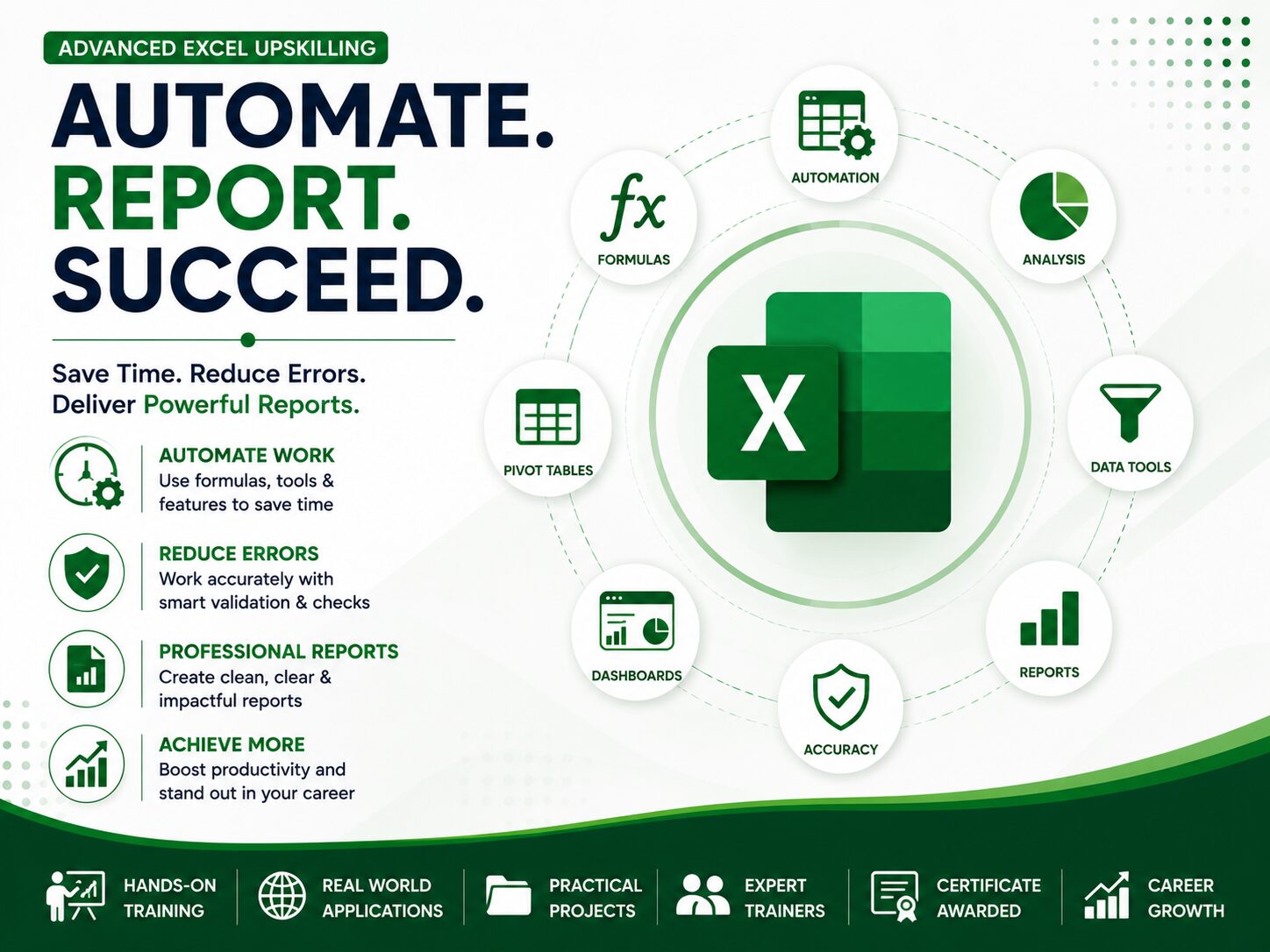
Learn Excel from basic concepts to advanced reporting, automation, dashboards, and data analysis through practical hands-on training.
Why Learn Advanced Excel?
Microsoft Excel remains one of the most widely used business applications across accounting, finance, administration, human resources, procurement, sales, auditing, banking, and business management. Employers increasingly expect professionals to analyse data efficiently, automate repetitive tasks, prepare insightful reports, and make informed business decisions using Excel. Our Practical Advanced Excel Upskilling Programme is designed to transform participants from basic spreadsheet users into confident Excel professionals capable of solving real workplace challenges. The training combines practical demonstrations, guided exercises, and real business case studies to ensure every participant develops skills that can be immediately applied in the workplace. Rather than memorizing formulas, participants learn when, why, and how each Excel feature should be used to improve productivity, reduce manual work, and produce professional reports.
Beginner to Advanced
100% Practical Training
Real Business Projects
Certificate Awarded
Levels Covered
Beginner Level
- Excel Interface
- Data Entry
- Formatting
- Basic Formulas
- Workbook Management & many more
Intermediate Level
- Functions
- Data Validation
- Charts
- Conditional Formatting
- Sorting
- Filtering
- Among others
Advanced Level
- Pivot Tables
- Power Query
- Dashboards
- Data Modelling
- Advanced Functions
- Financial Reporting
Course overview
Module 1 – Excel Fundamentals
- Introduction to Microsoft Excel
- Excel Interface
- Excel Data Types
- Rows, Columns & Worksheets
- Basic Formatting
- Collaboration Tools
- Comments
- Sharing
- Track Changes
Module 2 – Working with Data
- Data Validation
- Sorting
- Filtering
- Custom Lists
- Find & Replace
- Importing CSV Files
- Importing External Data
- Web Data Import
Module 3 – Excel Functions
- Relative References
- Absolute References
- Mixed References
Text Functions
LEFT
RIGHT
MID
LEN
TRIM
TEXT
UPPER
LOWER
PROPER
CONCAT
TEXTJOIN
Logical Functions
IF
IFS
AND
OR
NOT
IFERROR
Lookup Functions
VLOOKUP
HLOOKUP
XLOOKUP
INDEX
MATCH
XMATCH
Date Functions
TODAY
NOW
YEAR
MONTH
DAY
DATEDIF
NETWORKDAYS
WORKDAY
Module 4 – Data Analysis
- Charts
- Advanced Charts
- Pivot Tables
- Pivot Charts
- Data Modelling
Module 5 – Advanced Excel
- Power Query
- Dashboard Design
- Formula Auditing
- Workbook Protection
- Sheet Protection
- Named Ranges
Module 6 – Practical Business Applications
WHO SHOULD ATTEND?
Accountants
CPA Students
Auditors
Graduates Seeking Practical Accounting Skills
Office Administrators
Tax Practioners
ACCA Students
NGO Staff
Data Analysts
HR Officers
Procurement Officers
Anyone else that needs such skills
COURSE DETAILS
Duration
Flexible Training Schedule
Requirements
Laptop/Desktop Computer
Microsoft Excel installed
Training Mode
Group Online Training
Phyiscal One on One training (On-request)
Training Fee
Starting from 150,000shs depending on the training mode
READY TO ENHANCE YOUR SKILLS IN EXCEL?
Join hundreds of professionals and students who have enhanced their skills in Microsoft Excel through our practical training programmes.
Become confident while using Microsoft Excel.
Ready to start?
Complete our online registration form to reserve your place
Click here to Register for next intake starting on 19th October 2026